H Color Inspector
Export Color Library from Capture!
2019-10-15
The user may create a Color Palette in CC Capture Color Inspector in a very fast and efficient way.

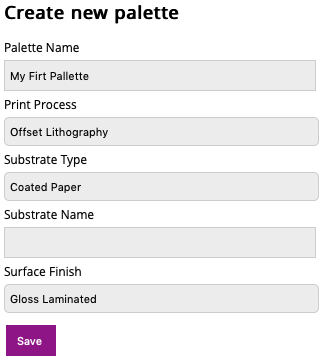
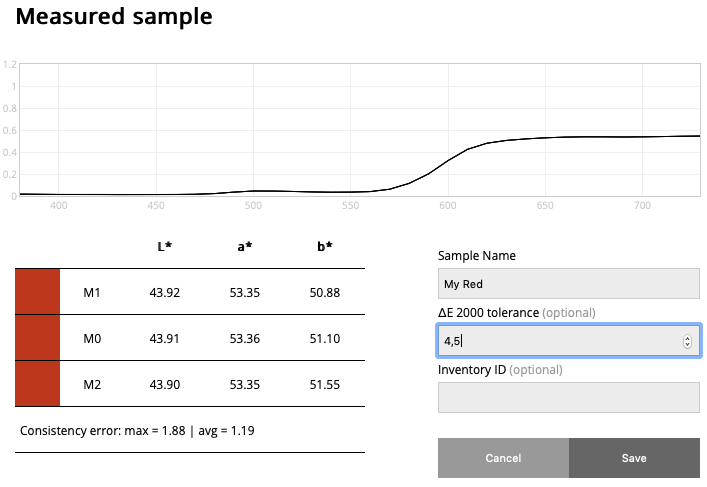
Collect samples

Now it is also very easy to export it to the CxF file format that may be uploaded to your Rip or other any software.
Click on Export CxF and go to your Capture Export folder - the file is there! Done!
For example, a just created palette can be uploaded to your X-Rite eXact.

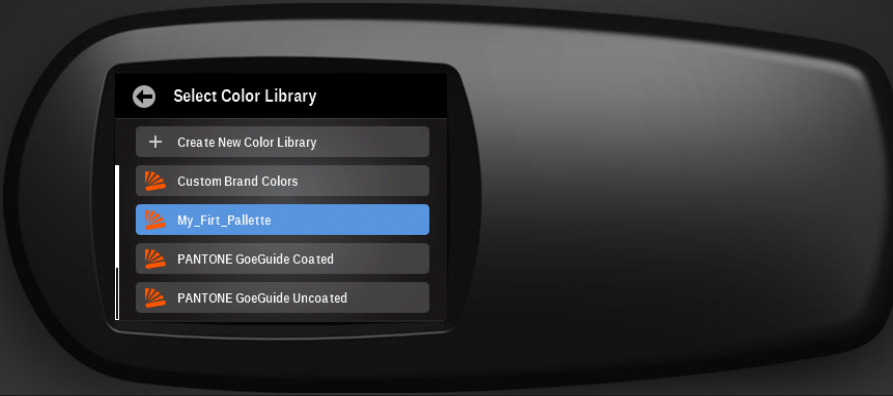
To use this feature upgrade your CC Capture to the most recent version! Capture eXport uses eXact compatible file format (more formats available from the website)
GG7 Curve Inspector
New Curve Export: Equios & ISO 18620
New Calibration Curve Export Formats: Screen Equios and ISO 18620 (TED)
LEARN MORE ›››PPrint Inspector
Improved Timeline Experience in EasyMode
We have enhanced the Timeline view in EasyMode to help you better understand and interact with your color data.
LEARN MORE ›››PPrint Inspector
New Grouping Feature in PC Qualifier
New Grouping Feature in PC Qualifier
LEARN MORE ›››HColor Inspector
Exclude Out-of-Gamut Colors
Virtual Spot Print / Exclude out-of-gamut colors
LEARN MORE ›››EEnvironmental Inspector
Customizable data logger colors
The color of data loggers can be customized on the Dashboard
LEARN MORE ›››