CMYK ICC Profile (Gamut)
ChromaChecker ICC Profile generation engine can generate only RGB or CMYK profiles in version 2 format.
This project is designed to create a CMYK ICC Device Profile. It is based on 338 patches and intended for low-demand purposes; however, it is perfect for gamut evaluation as part of Print Condition Benchmarking and other tasks where high precision is less important than the effort required to measure a larger chart.
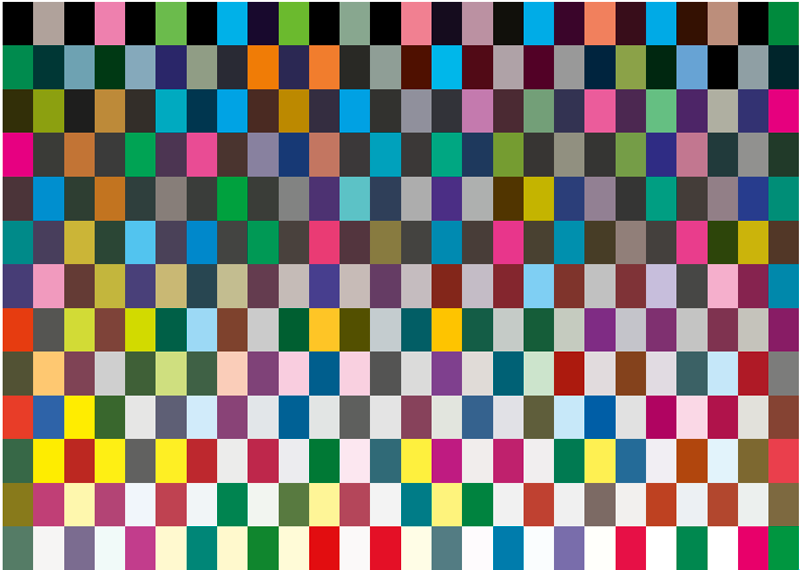
CMYK MINI ICC
Please note that this project is based on a chart with 338 patches only (13 x 26), but it also contains patches required for G7 Conformance, TVI, or G7 Calibration.
IMPORTANT:
Turn Color Management OFF.
To access the full gamut of your printer, do not simulate any color space. Print and scan this chart using the Print Inspector interface.
Once scanning is completed, click the ICC icon in the report section. You can also browse historical data using the timeline — enter “Summary” to create the ICC profile. The profile will be downloaded to the Export Folder or saved directly to your hard drive. Default black generation settings will be applied:
- Total Ink Limit (TIL) = 320%,
- Start Black = 10%,
- Total Black = 85%, GCR
- Neutral = 45%,
- GSR Color = 50%,
- Black Intensity = 60%
Use the website interface to control these parameters manually.
This project supports manual upload of any chart with a sufficient number of patches (e.g., IT8.7/5 (TC1617x), ECI 2002 CMYK, and others). You can drag and drop measurements using the cloud icon in the track.
Contact ChromaChecker Support
Additional information and Support Form is available for logged users.
