Job Management
Delete, Duplicate, Rename, Edit
If you are using the same control-strip / chart with different Printing Devices and/or Tracks (substrates) it is very easy to duplicate the existing Job, rename it, and finally edit. It saves a lot of time and takes a few minutes to organize jobs for everyday work.
1. Select Job to duplicate - invoke a contextual menu with right-click.
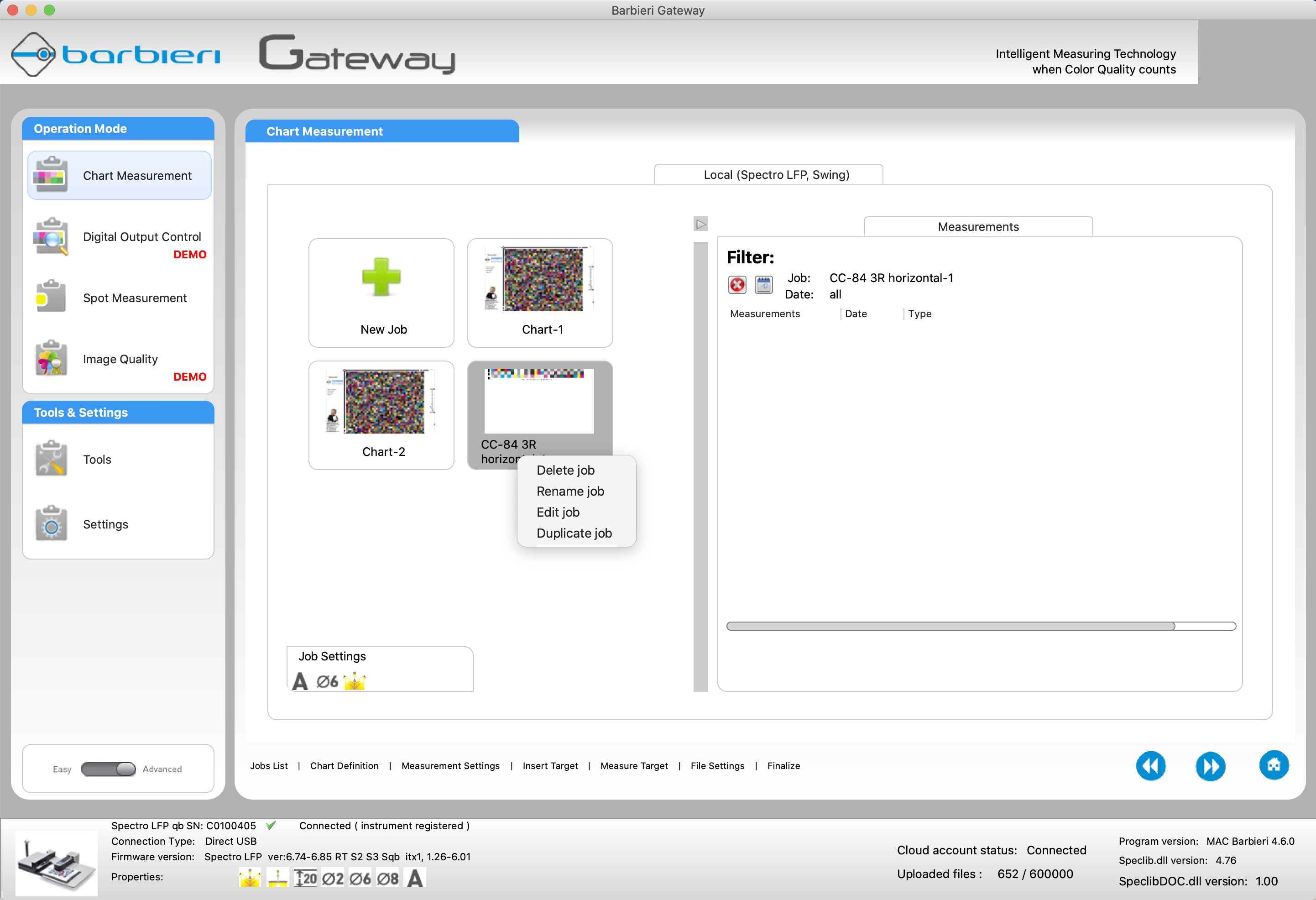
2. Delete unwanted and duplicate proper Jobs according to your needs. Finally, don't forget to edit each duplicated Job.
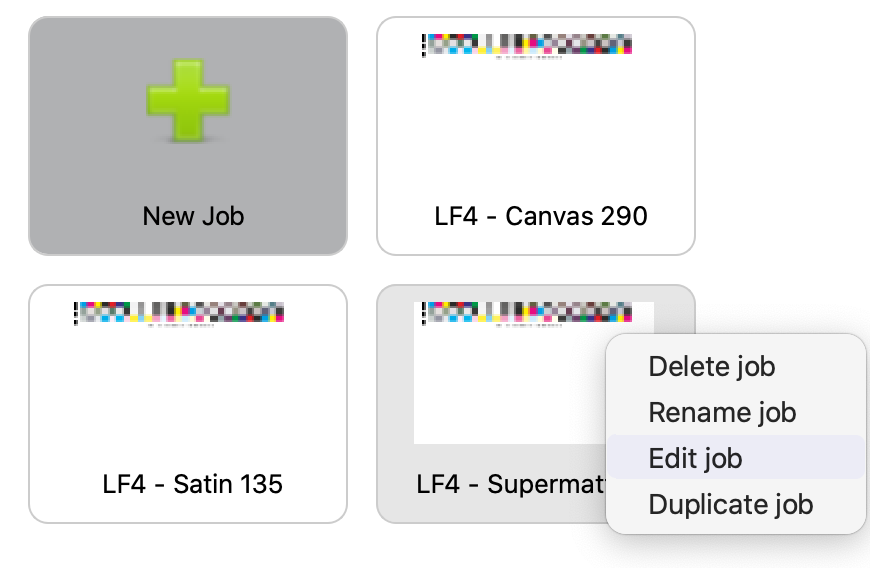
In this sample, we have a Printing Device called: LF4 and three different Tracks / Substrates
3. In most cases you will change the Track name in a file specification tab.
THIS IS NOT WORKING AS EXPECTED - NEED TO BE FIXED!
Optional customization
If you want you may replace Job thumbnails to make differences better visible.
In your Documents on the Local computer Hard Drive, there is Gateway subfolder that stores all settings
In Subfolder Gateway/Chart/Template there are XML files that define all critical parameters of each Job.
Advanced users can edit the content - one of the parameters specifies a thumbnail file.
Contact ChromaChecker Support
Additional information and Support Form is available for logged users.
